
Projects
Real learning challenges. Practical solutions.
A selection of instructional design projects showcasing my approach to creating clear, engaging, and purposeful learning experiences for diverse audiences.
01
Structured Literacy
K-2 Teacher Professional Learning
VIEW PROJECT →
02
Meeting Rescue
Virtual Team Facilitation
VIEW PROJECT →
03
The Root of the Problem
Supervisory Training Mockup
VIEW PROJECT →
04
Capstone Project
Coming Soon
VIEW PROJECT →
01
From Sounds to Print
Choosing Effective Foundational Reading Instruction
K–2 Teacher Professional Learning | E-Learning Design
How can educators determine what a student knows, identify where reading breaks down, and choose the right next instructional step?
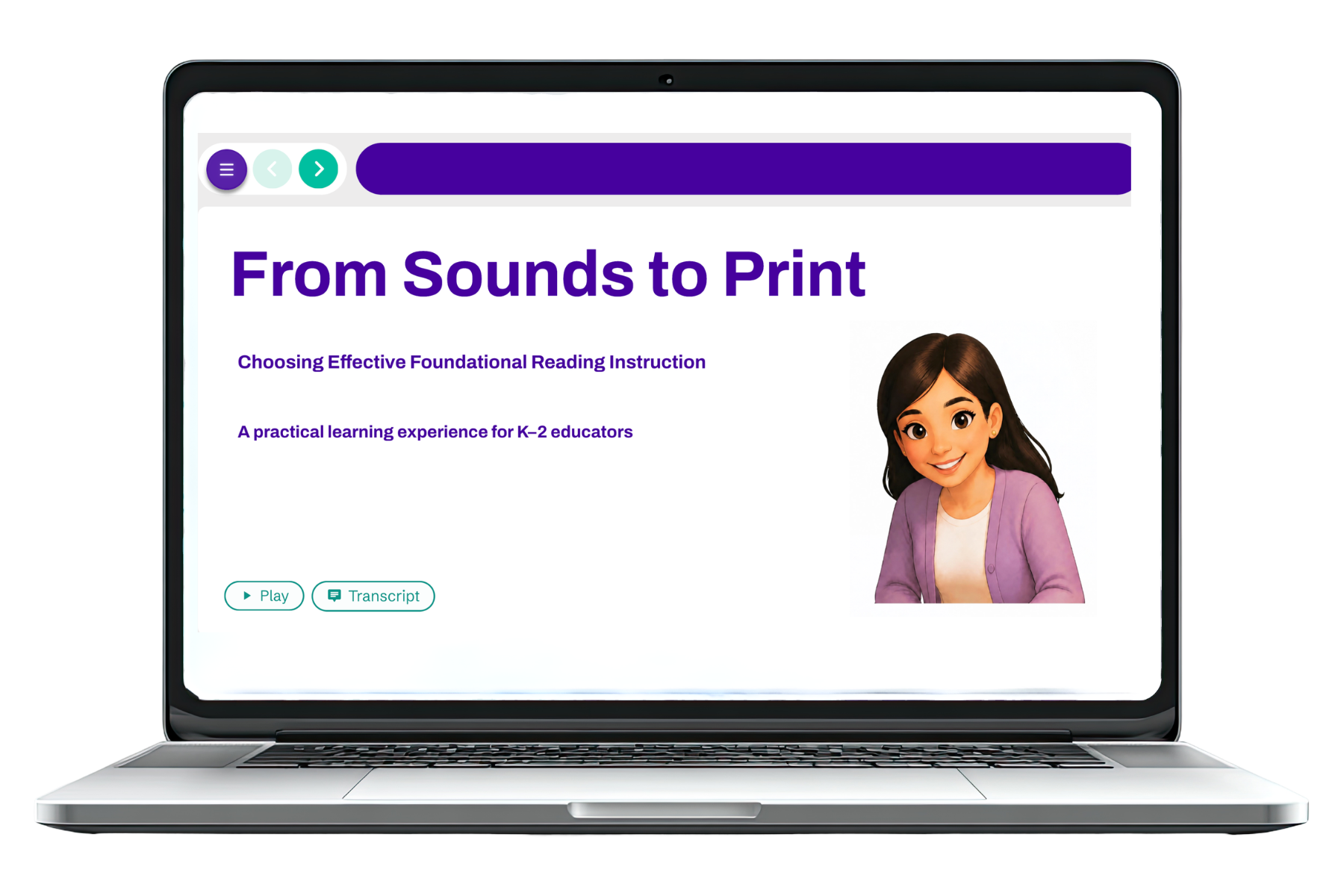
Format
Interactive e-learning module
Tool
Genially
Audience
K–2 teachers and reading intervention/support staff
Estimated Duration
60 minutes
The Design Challenge
Learning Objectives
- Identify foundational reading skills using evidence from student performance.
- Determine where a student's reading process breaks down.
- Select an instructional response aligned with the student's demonstrated needs.
Sample Screens
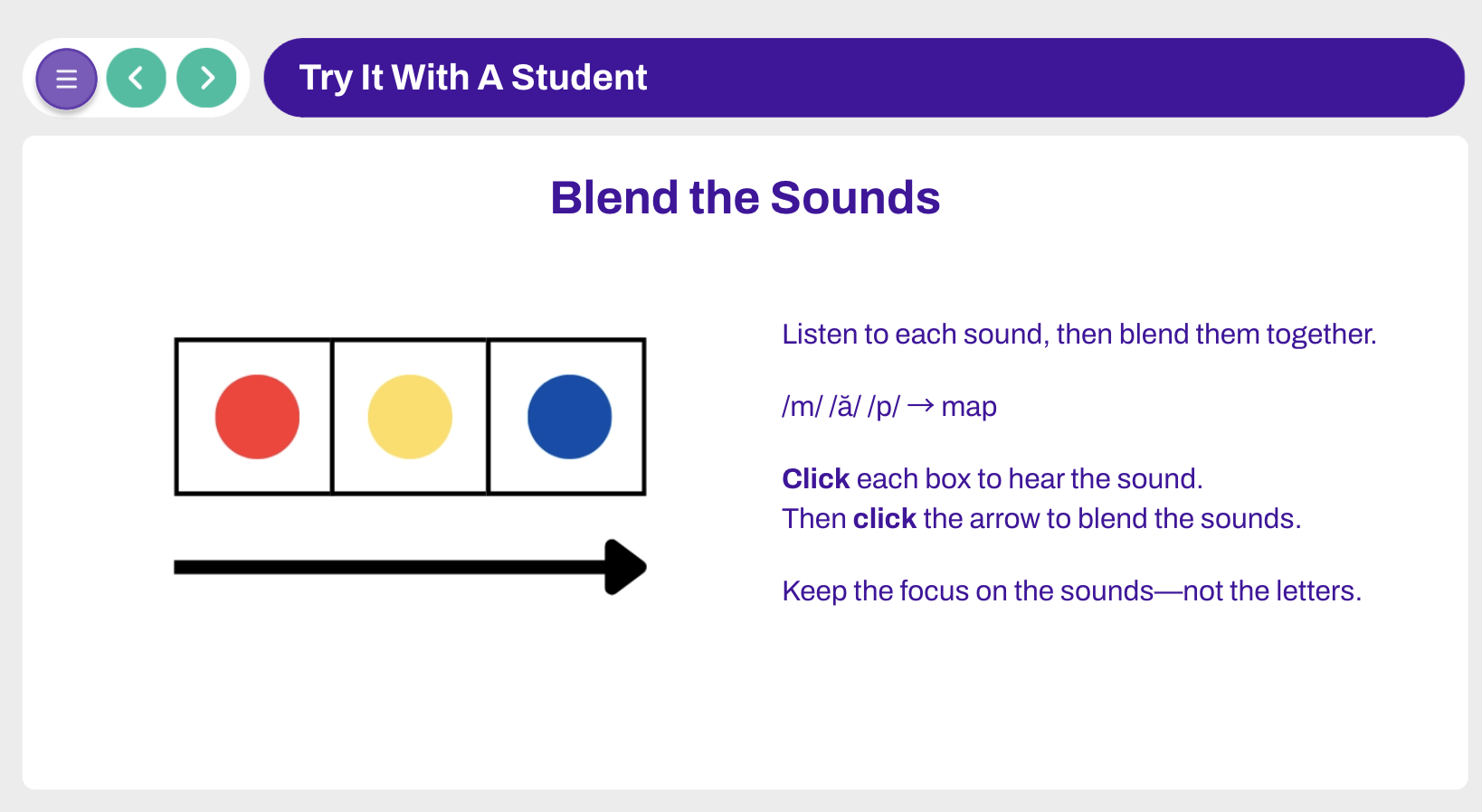
Explain and Model
Demonstrates how learners engage with foundational reading concepts.
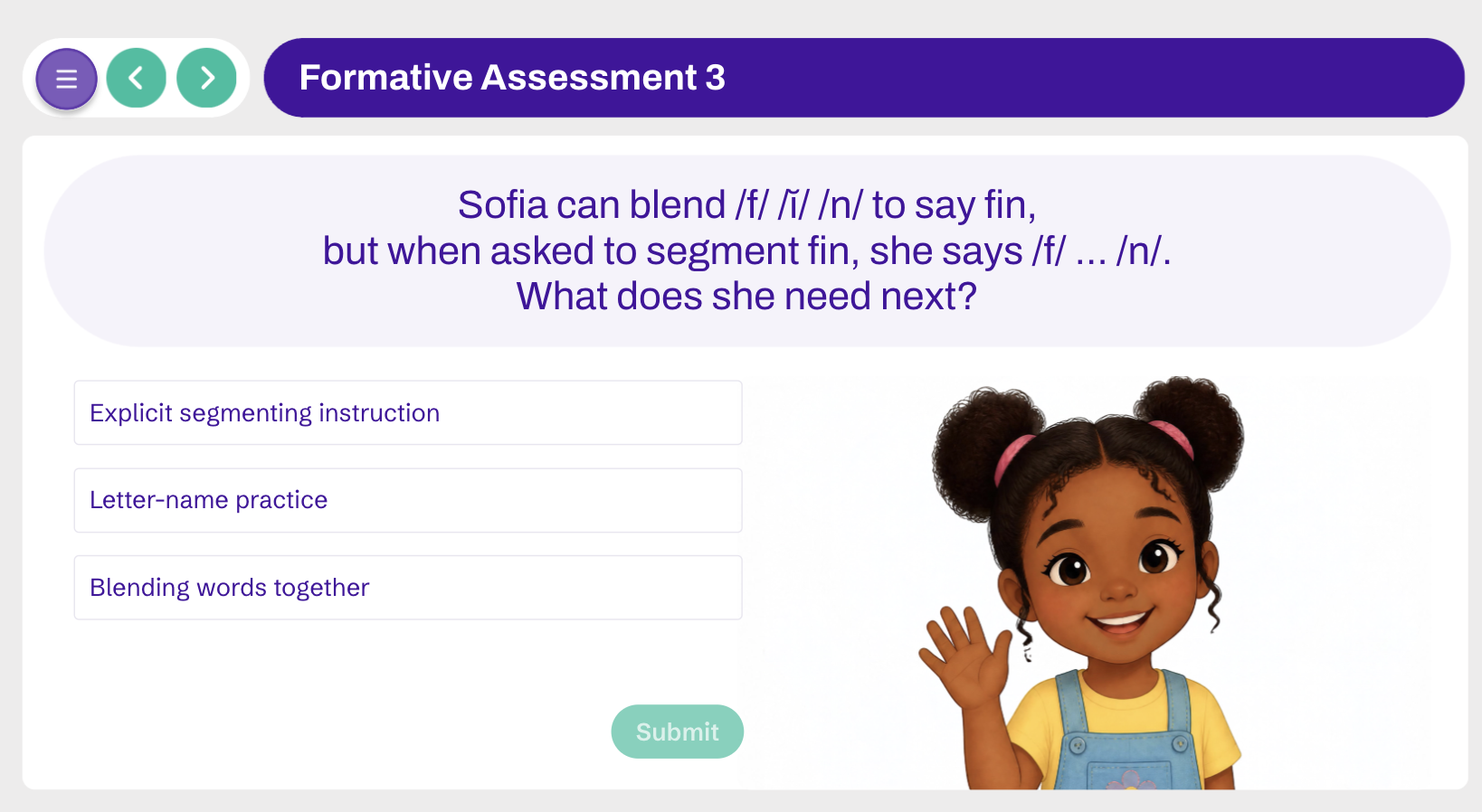
Practice and Feedback
Shows learners applying their knowledge and checking their understanding.
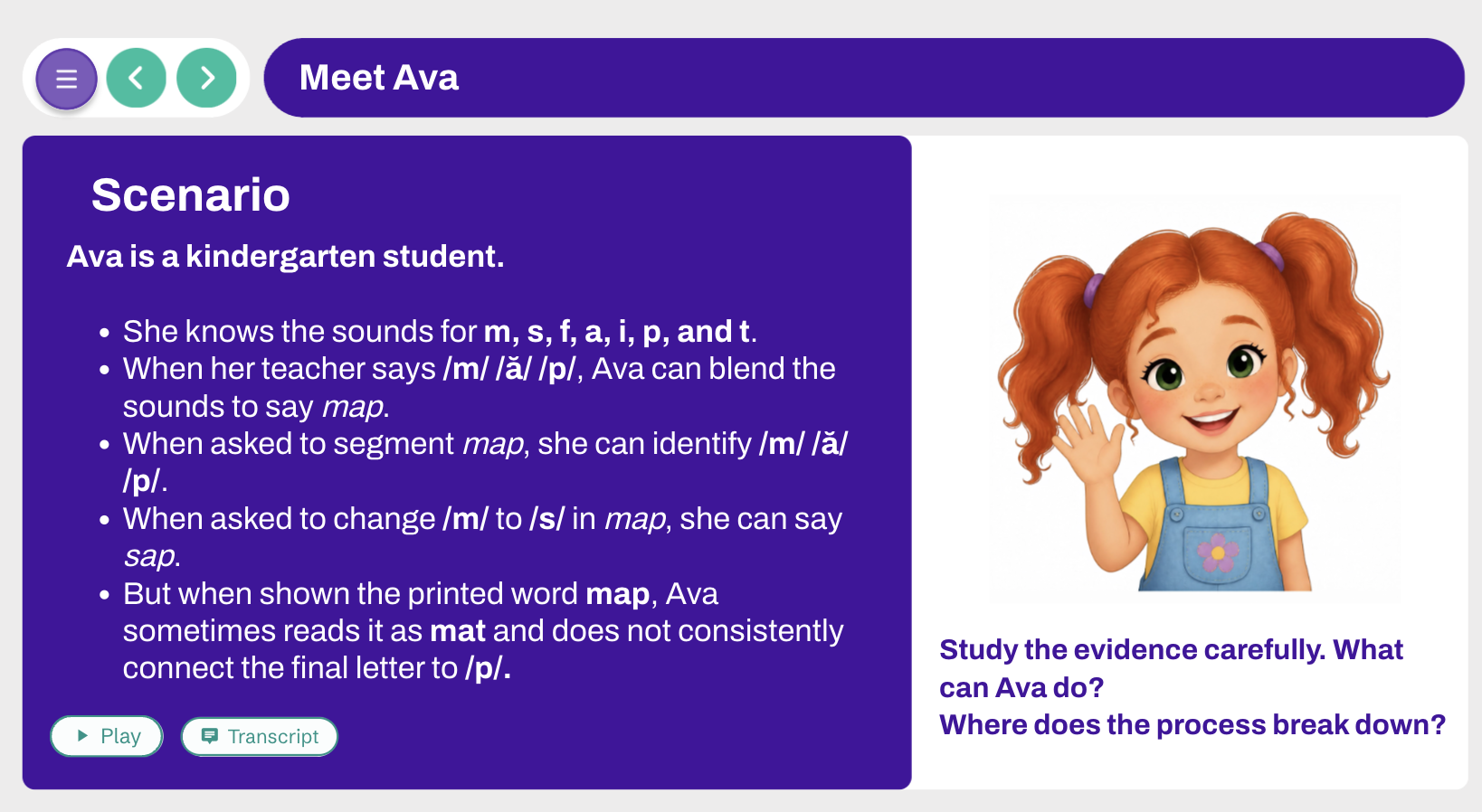
Apply Learning
Presents a student scenario that calls for interpreting evidence and choosing a next step.
Design Highlights
Scaffolded Learning
Moves from foundational concepts and demonstrations toward independent application.
Scenario-Based Practice
Uses fictional student cases to connect reading evidence with instructional decisions.
Formative Feedback
Provides feedback that helps learners understand why an instructional response fits a student's demonstrated needs.
Accessible Multimedia
Uses narration, audio examples, transcripts, and text alternatives to support access to learning.
02
Meeting Rescue
Leading Effective Virtual Team Interactions
Virtual Team Facilitation | Scenario-Based E-Learning Design
How can employees learn to guide virtual meetings, encourage participation, and keep team discussions productive?
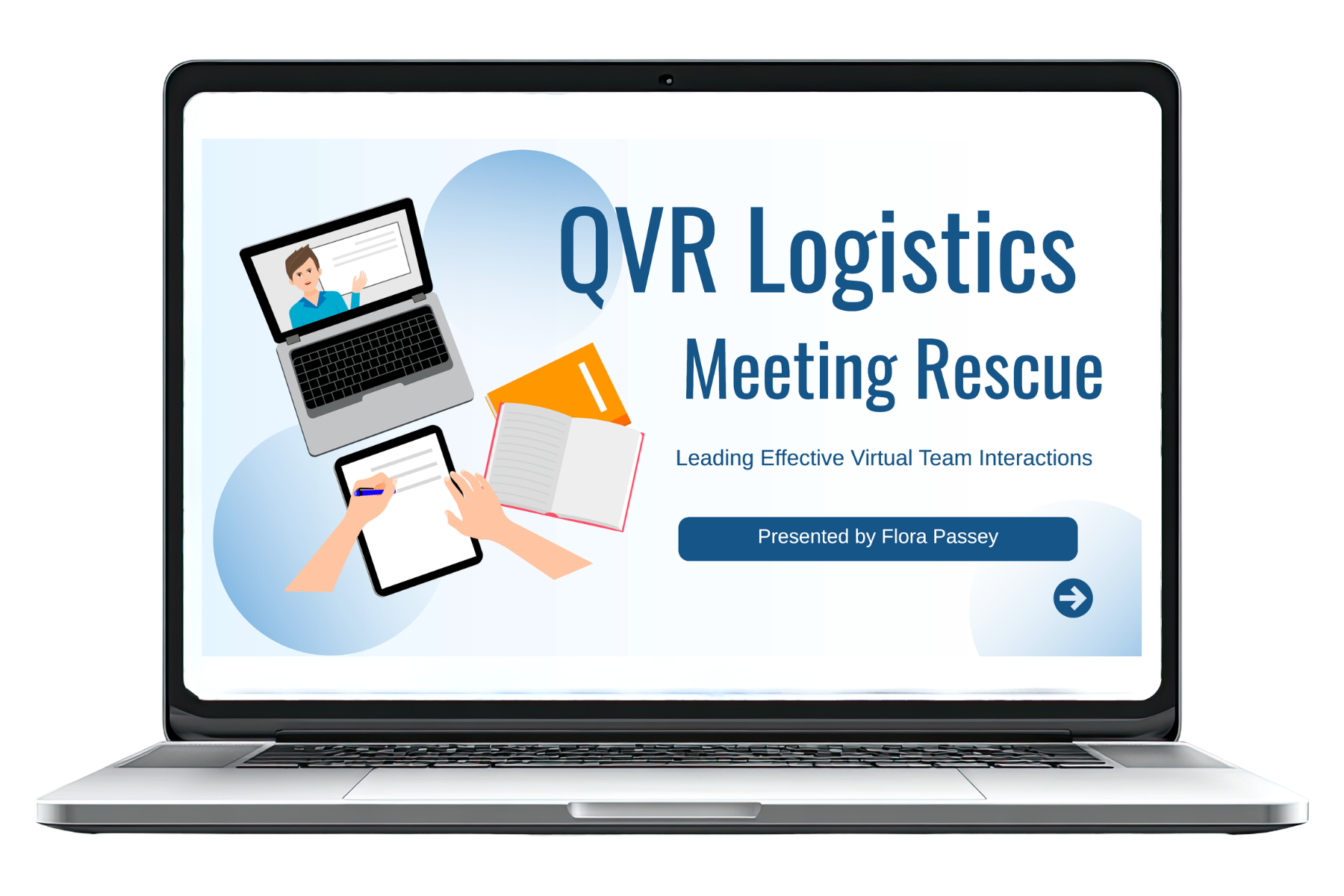
Meeting Rescue is a scenario-based e-learning experience designed for QVR Logistics employees transitioning to a virtual work environment. Learners explore common meeting challenges, select strategies to get discussions back on track, and receive feedback that helps them make more effective facilitation decisions.
Format
Interactive e-learning module prototype
Context
Workforce development for a freight brokerage company
Audience
Sales representatives, team leaders, and operations managers
Learning Goal
Demonstrate effective virtual team interactions
The Design Challenge
QVR Logistics employees needed to transfer their communication and collaboration skills to virtual work environments. The challenge was to help them practice effective meeting facilitation - not simply learn communication principles - through realistic, low-stakes workplace situations.
Learning Objectives
- Recognize characteristics of effective virtual team interactions.
- Summarize best practices for virtual communication and active listening.
- Demonstrate active listening and engagement techniques.
- Facilitate a short virtual team interaction by guiding participation, communicating clearly, and encouraging collaboration.
Sample Screens
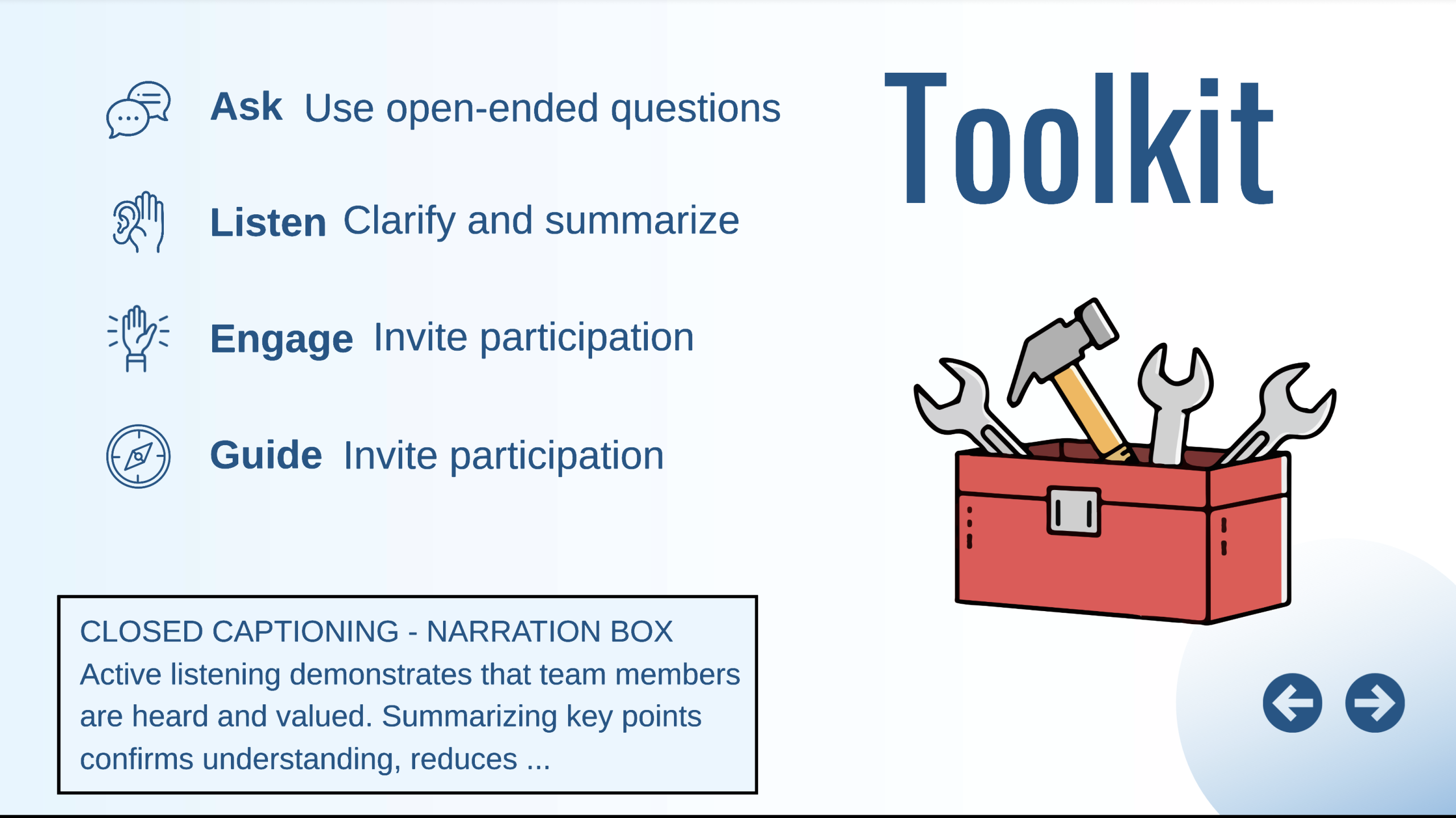
Introducing the Toolkit
The four facilitation strategies: Ask, Listen, Engage, and Guide.
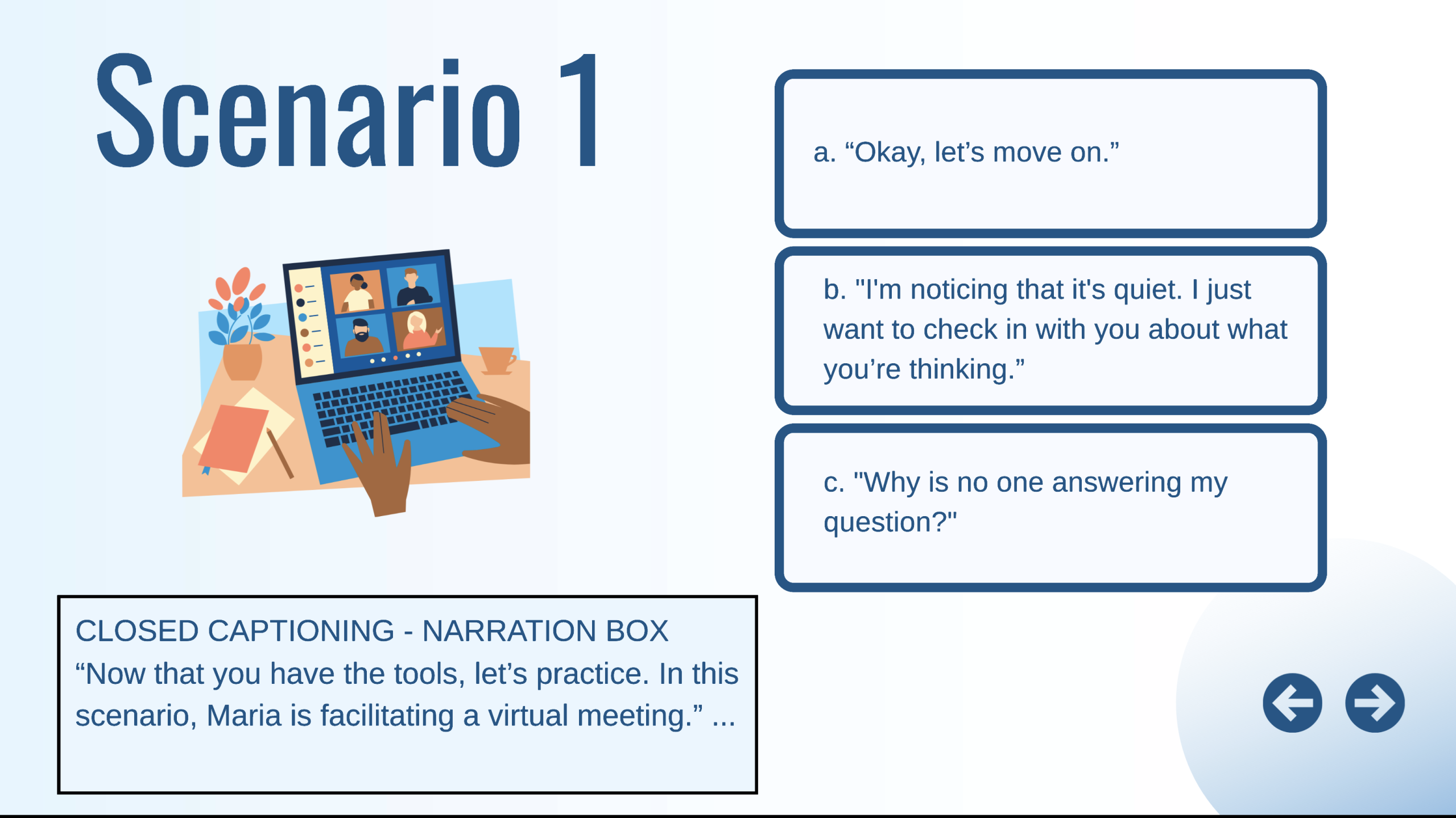
Scenario & Response Choices
The “silence after a question” challenge and the possible responses.
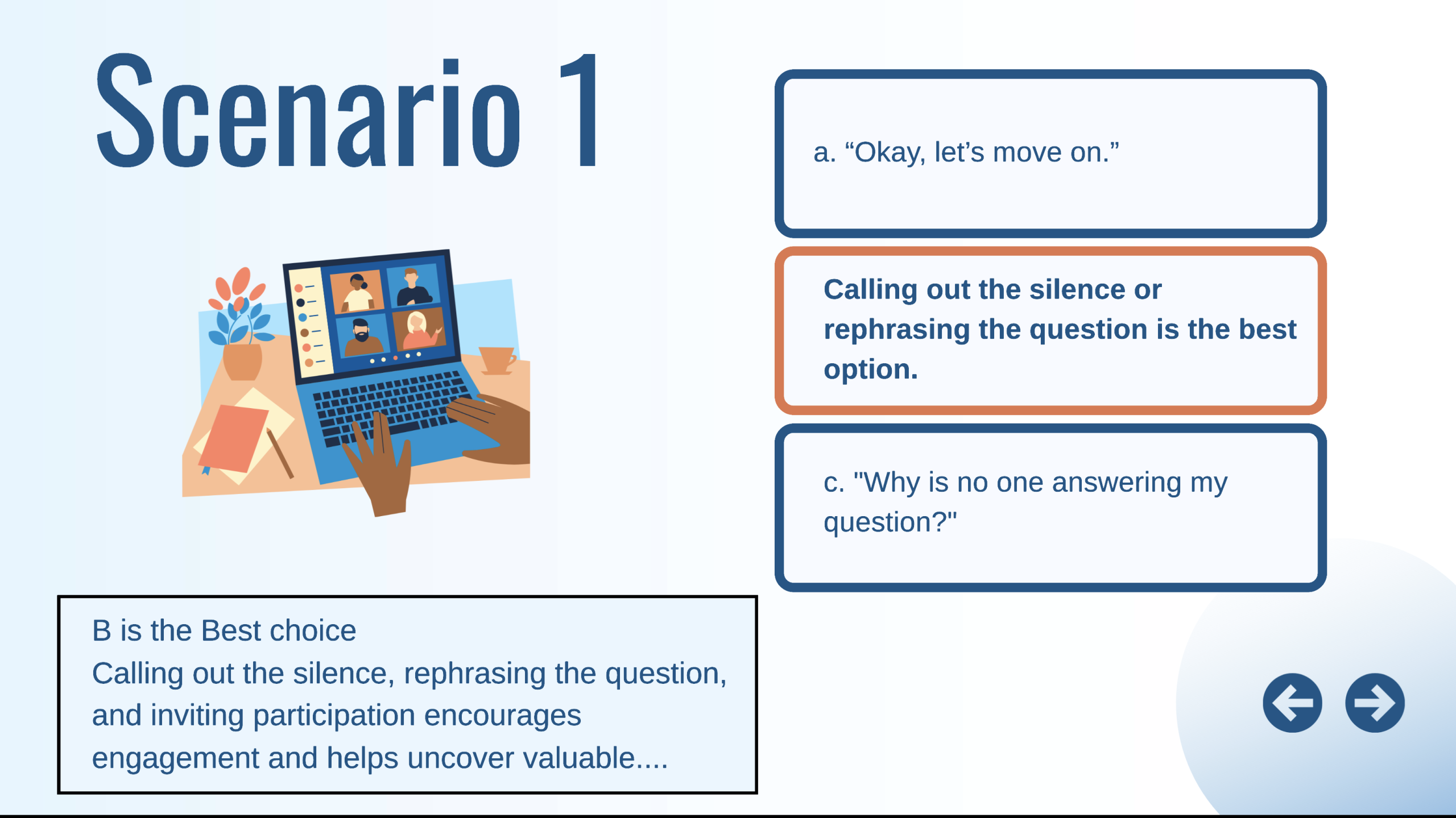
Feedback Screen
The explanations of why each response is or isn't effective.
Inside the Learning Experience
The module introduces a four-part “Meeting Rescue Toolkit”:
- Ask: Use open-ended and clarifying questions.
- Listen: Listen actively and summarize understanding.
- Engage: Encourage participation from everyone.
- Guide: Redirect discussion toward the shared goal.
Learners then apply these tools to realistic meeting challenges, including silence after a question, low engagement, a dominating participant, and off-topic discussion. Learners receive feedback explaining the consequences of different responses, along with an additional learning resource to reinforce the concepts.
Design Highlights
Scenario-Based Practice
Uses realistic virtual meeting challenges to help learners practice decisions in a safe, low-stakes environment.
Scaffolded Learning
Introduces practical communication tools before asking learners to apply them in increasingly complex scenarios.
Feedback and Reinforcement
Provides explanations for response choices and additional learning resources to reinforce effective facilitation strategies.
Usability Testing Plan
Developed a moderated remote usability test plan covering navigation, content access, link integrity, task completion, critical errors, time on task, and task-level satisfaction.
03
The Root of the Problem
Investigating Supervisory Issues
Workplace Learning | Problem-Based E-Learning Design
How can employees learn to guide virtual meetings, encourage participation, and keep team discussions productive?
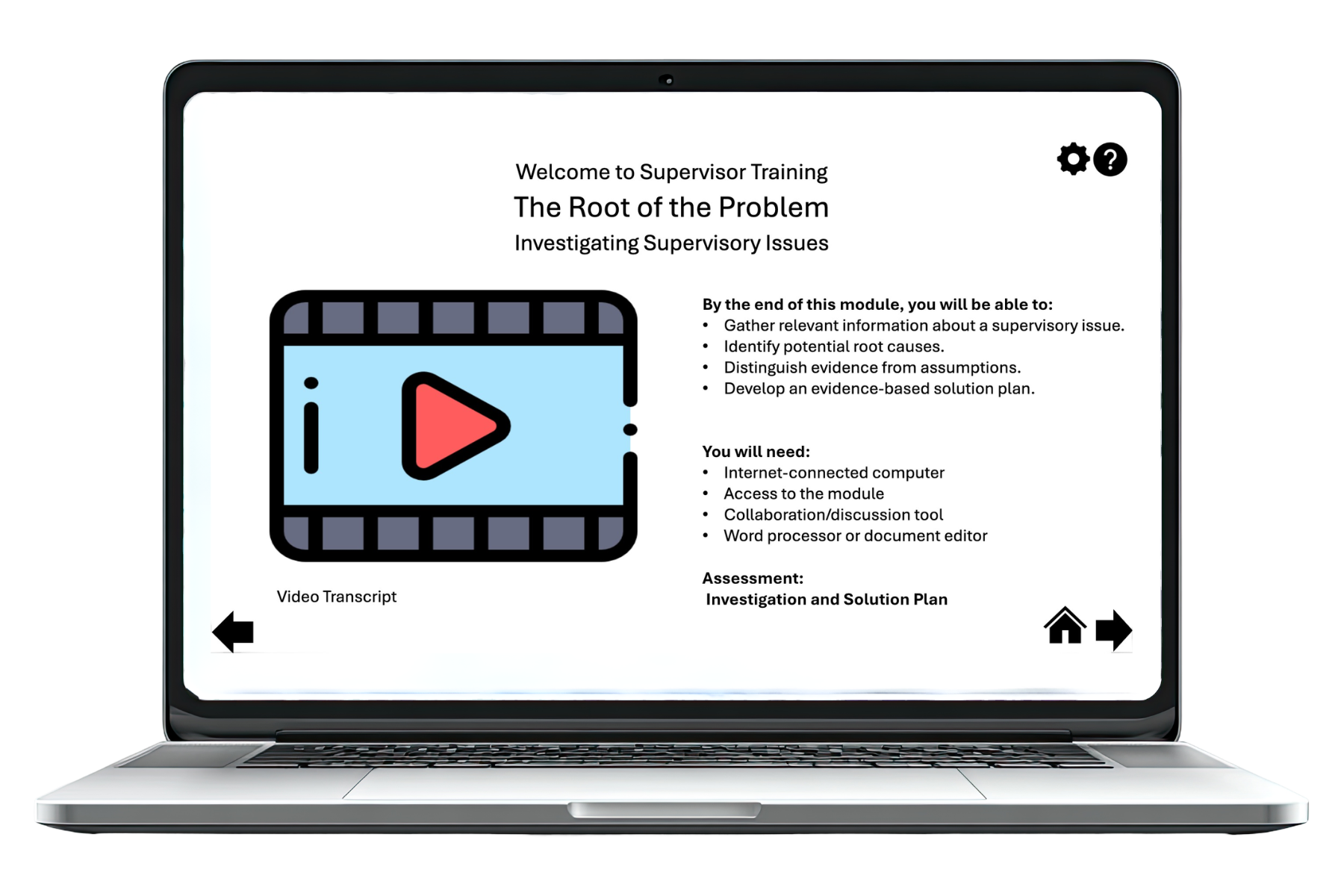
The Root of the Problem is a proposed 60-minute, self-paced e-learning experience designed for newly promoted supervisors. Learners investigate a fictional employee complaint, examine workplace evidence, identify possible root causes, and develop a solution plan grounded in their findings.
Format
E-Learning Module Mockup
Tool
PowerPoint
Audience
Newly promoted supervisors
Learning Goal
Investigate a supervisory issue and develop an evidence-based solution plan
The Design Challenge
New supervisors may have strong technical skills but limited experience addressing employee conflict, coaching team members, or investigating workplace concerns. Without a systematic approach, they risk making decisions based on assumptions rather than evidence.
The design challenge was to create a realistic learning experience that helps supervisors practice gathering information, evaluating possible causes, and developing appropriate responses to workplace problems.
Learning Objectives
- Gather relevant information about a supervisory issue.
- Identify potential root causes.
- Distinguish evidence from assumptions.
- Develop an evidence-based solution plan.
Sample Screens
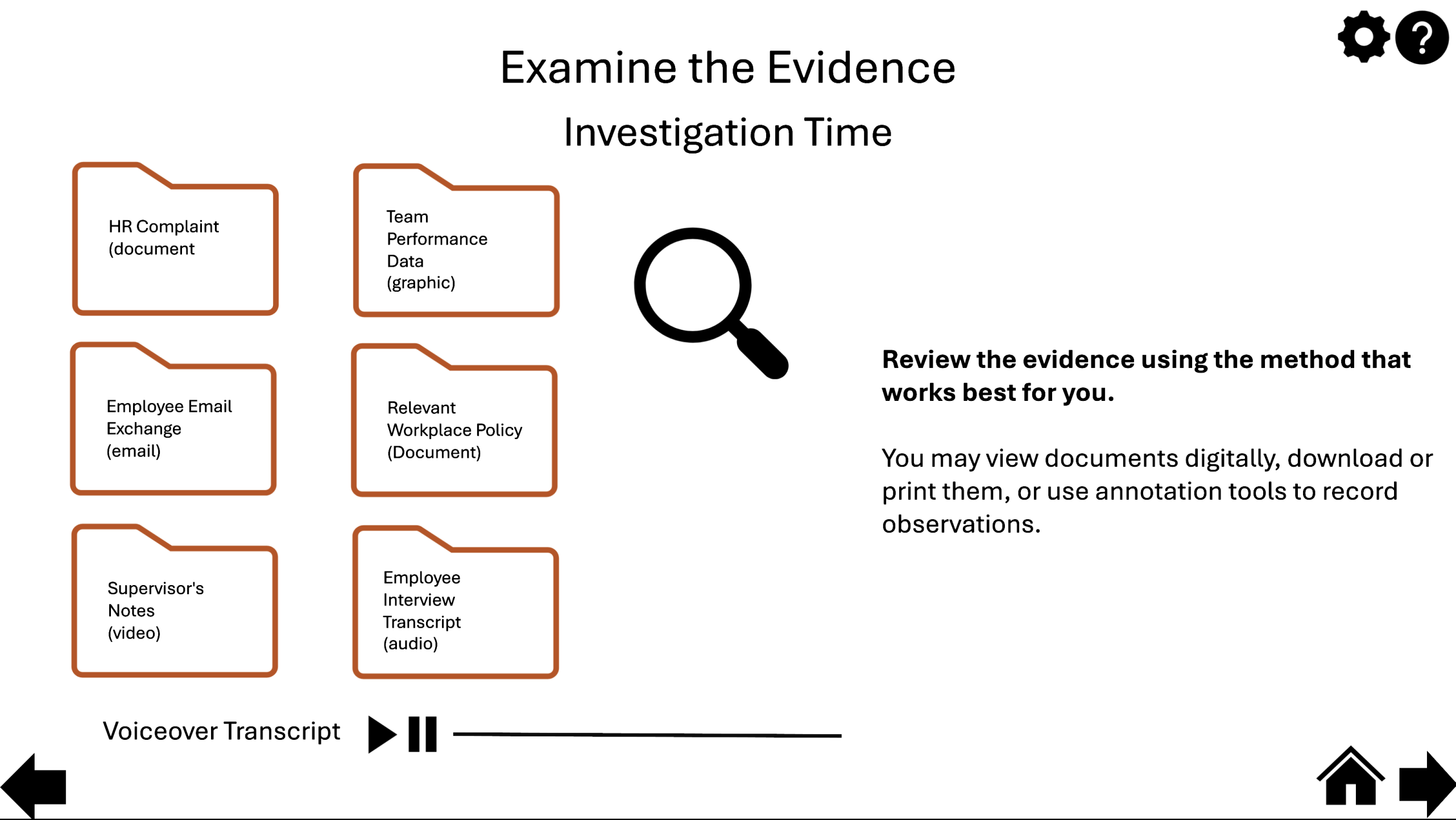
Examine the Evidence
Shows the collection of workplace materials learners review, including an HR complaint, employee emails, supervisor notes, performance data, and workplace policy.
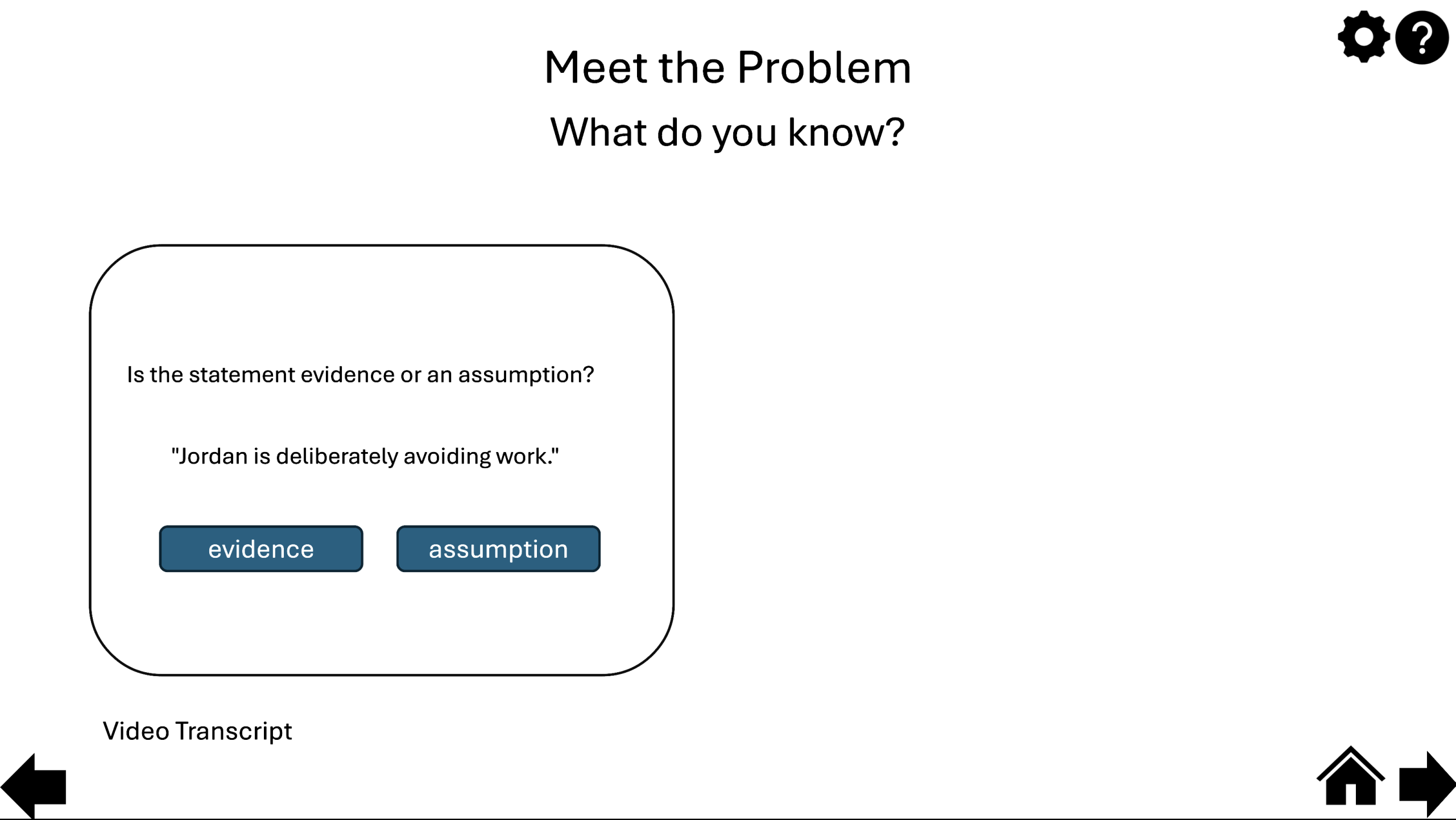
Evidence or Assumption?
Demonstrates an interactive knowledge check that asks learners to distinguish observable facts from interpretations and assumptions.
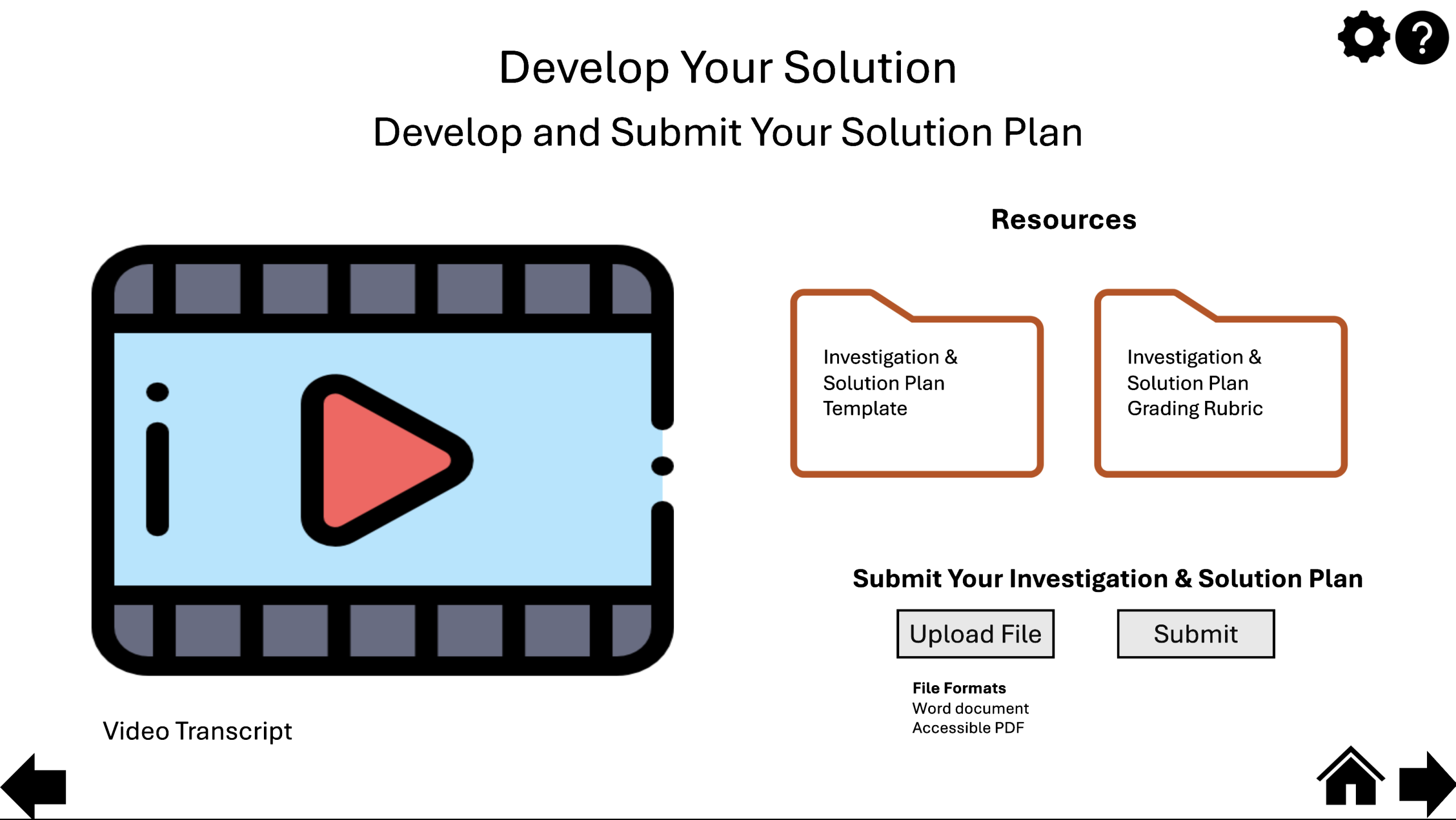
Develop Your Solution
Presents the culminating assessment: an investigation and solution plan supported by evidence and a grading rubric.
Inside the Learning Experience
The module introduces a four-part “Meeting Rescue Toolkit”:
- Ask: Use open-ended and clarifying questions.
- Listen: Listen actively and summarize understanding.
- Engage: Encourage participation from everyone.
- Guide: Redirect discussion toward the shared goal.
Learners then apply these tools to realistic meeting challenges, including silence after a question, low engagement, a dominating participant, and off-topic discussion. Learners receive feedback explaining the consequences of different responses, along with an additional learning resource to reinforce the concepts.
Design Highlights
Problem-Based Learning
Organizes the learning experience around a realistic workplace complaint that learners must investigate before recommending a solution.
Evidence-Based Decision-Making
Uses multiple sources of workplace information to help learners distinguish observable facts from assumptions and interpretations.
Learner Choice and Flexibility
Allows learners to review, download, print, or annotate investigation materials using methods that work for them.
Authentic Assessment
Aligns the final Investigation and Solution Plan with the instructional goal, asking learners to identify the problem, analyze evidence, determine likely root causes, and recommend a supported response.
Consistent, Accessible Design
Uses a consistent navigation structure, uncluttered screen layouts, and planned text transcripts for audio and video content.
Let's Create Meaningful Learning
I'm interested in opportunities to design thoughtful, engaging learning experiences that help people build skills and apply what they've learned.